Is Renting a Car Through an App Safe? Things to Check
To ensure safety when renting a self-driving car through an app, you need to understand the steps to check the car and the necessary procedures. This article will help you equip yourself with knowledge to choose a quality car, save costs, and avoid the risk of unjust compensation.

1. Safety concerns when renting a car through the app
WorkRent a self-driving carthrough the application is becoming more and more popular, but many people still feel worried about the qualitysafeof this method. Common concerns include vehicle condition, insurance commitments and liability in case of an incident. To ensure a safe trip, you need to carefully check the above factors before deciding to rent.
1.1. Vehicle condition and origin
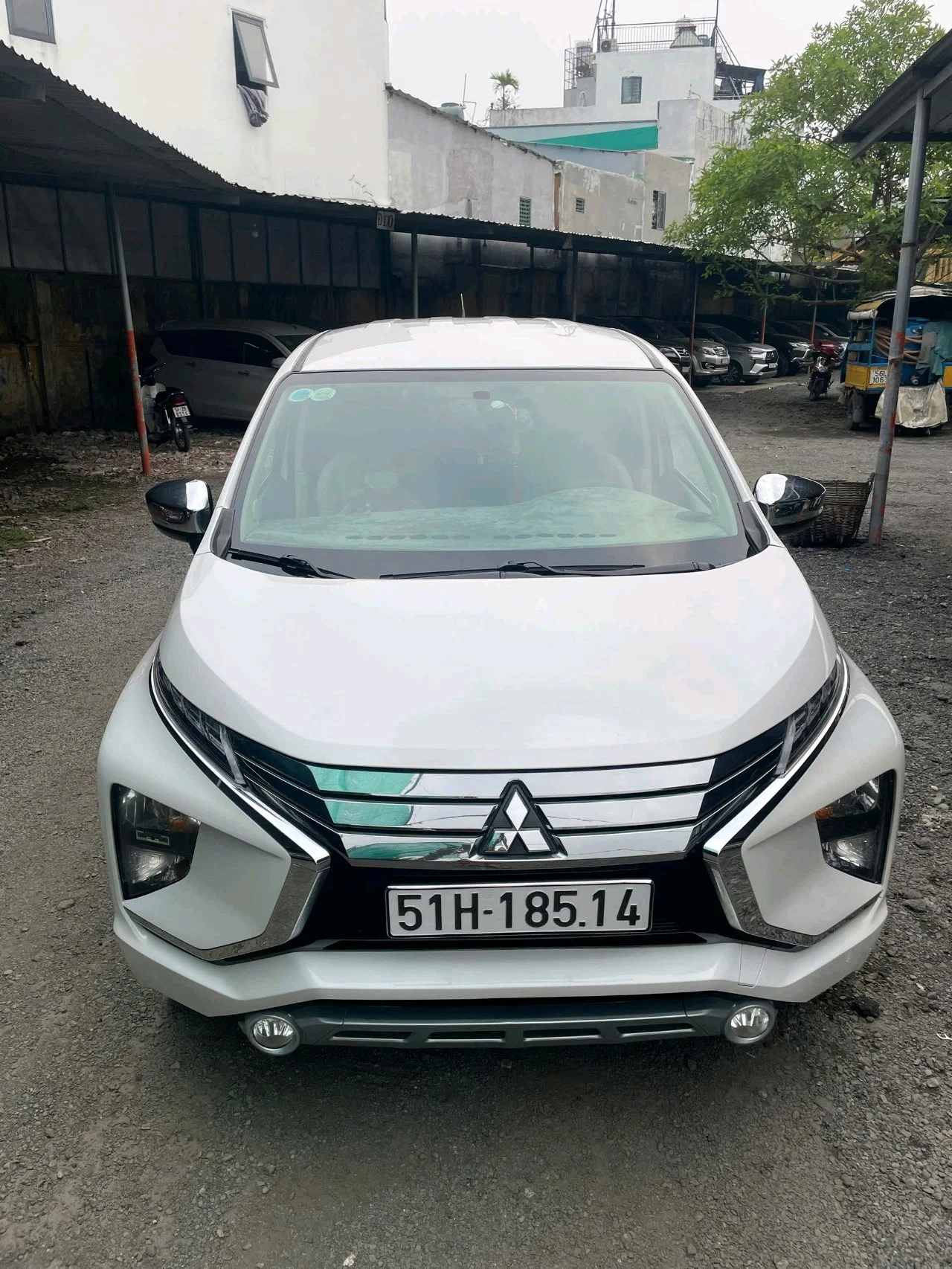
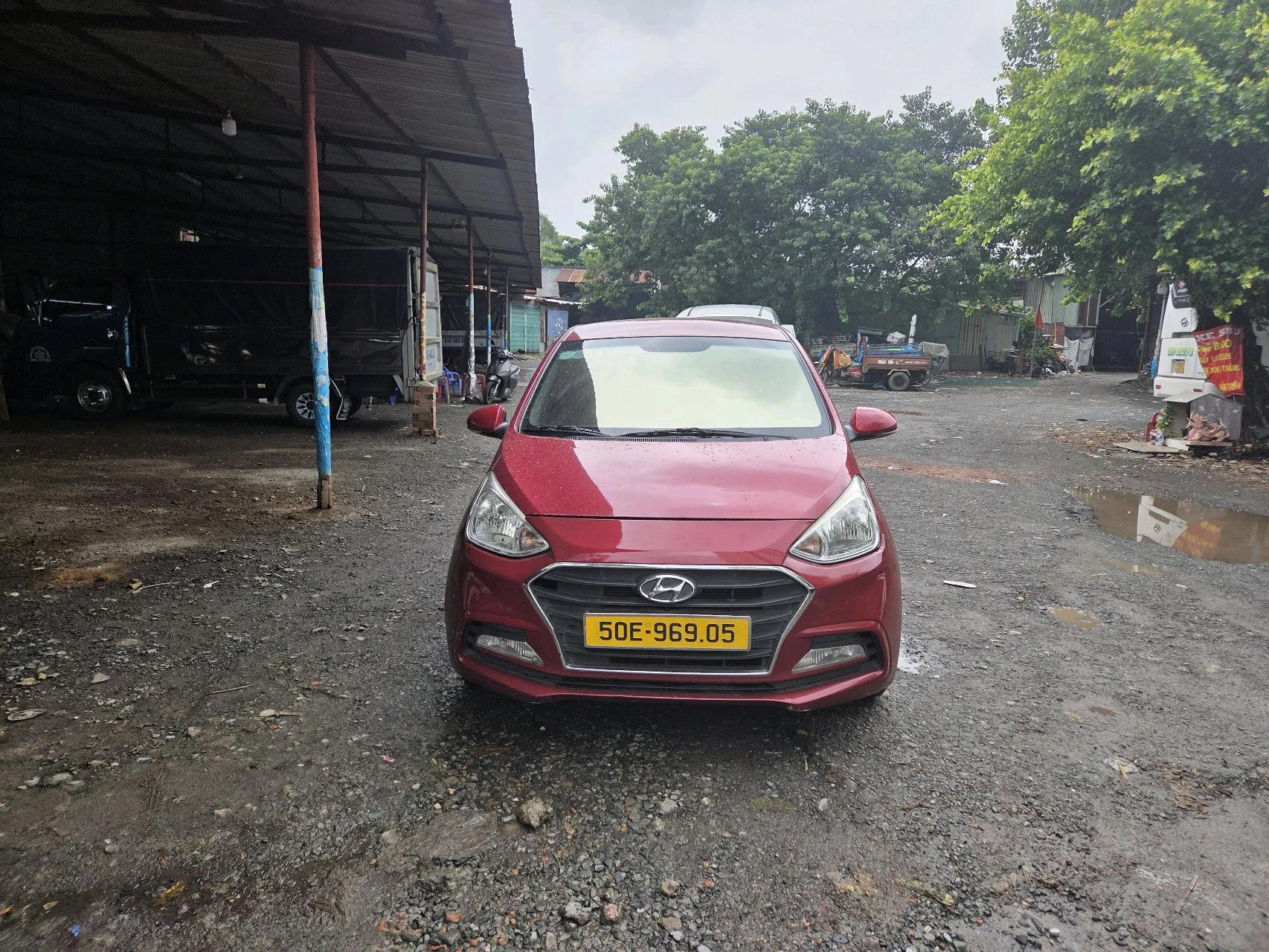
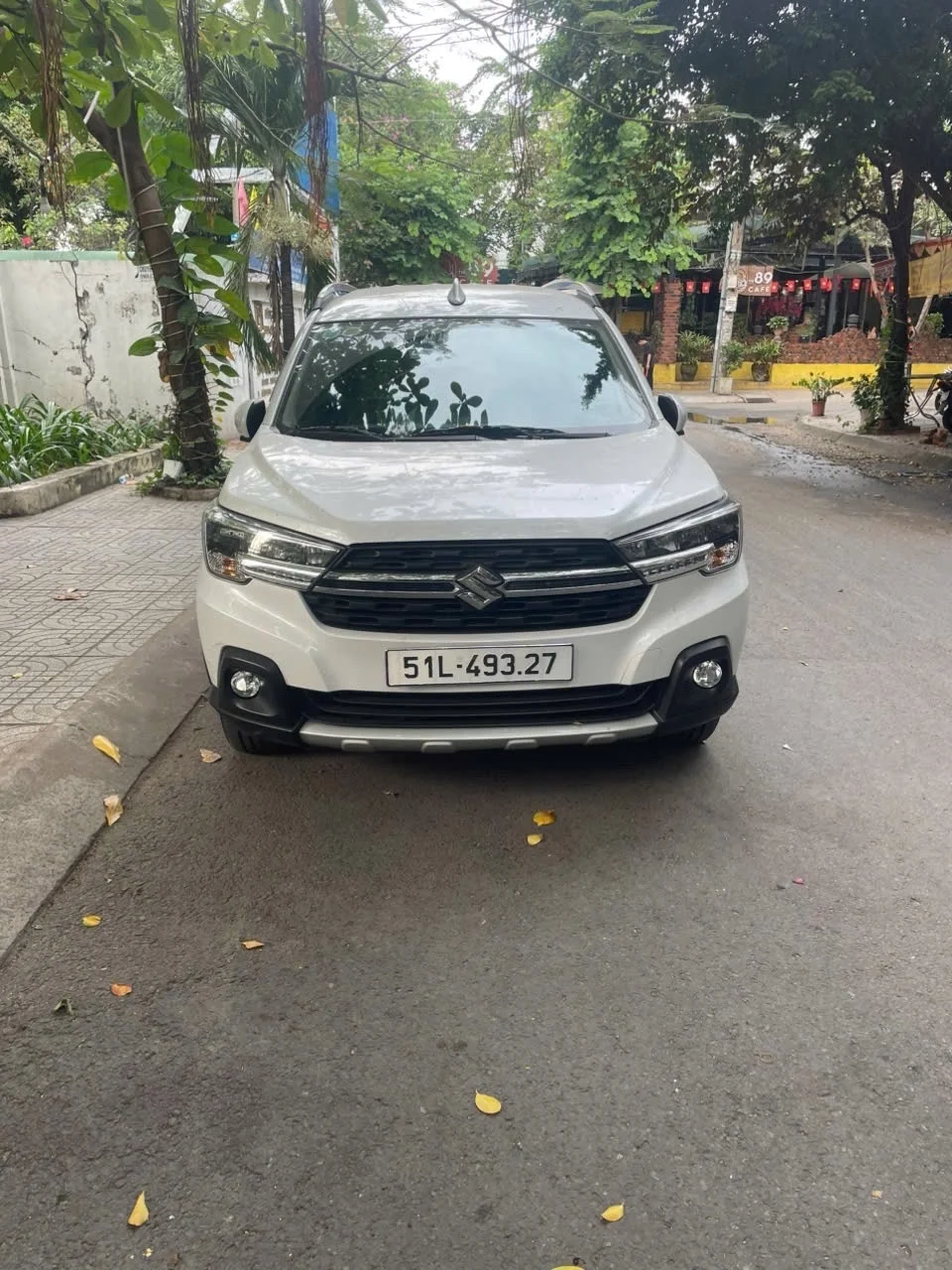
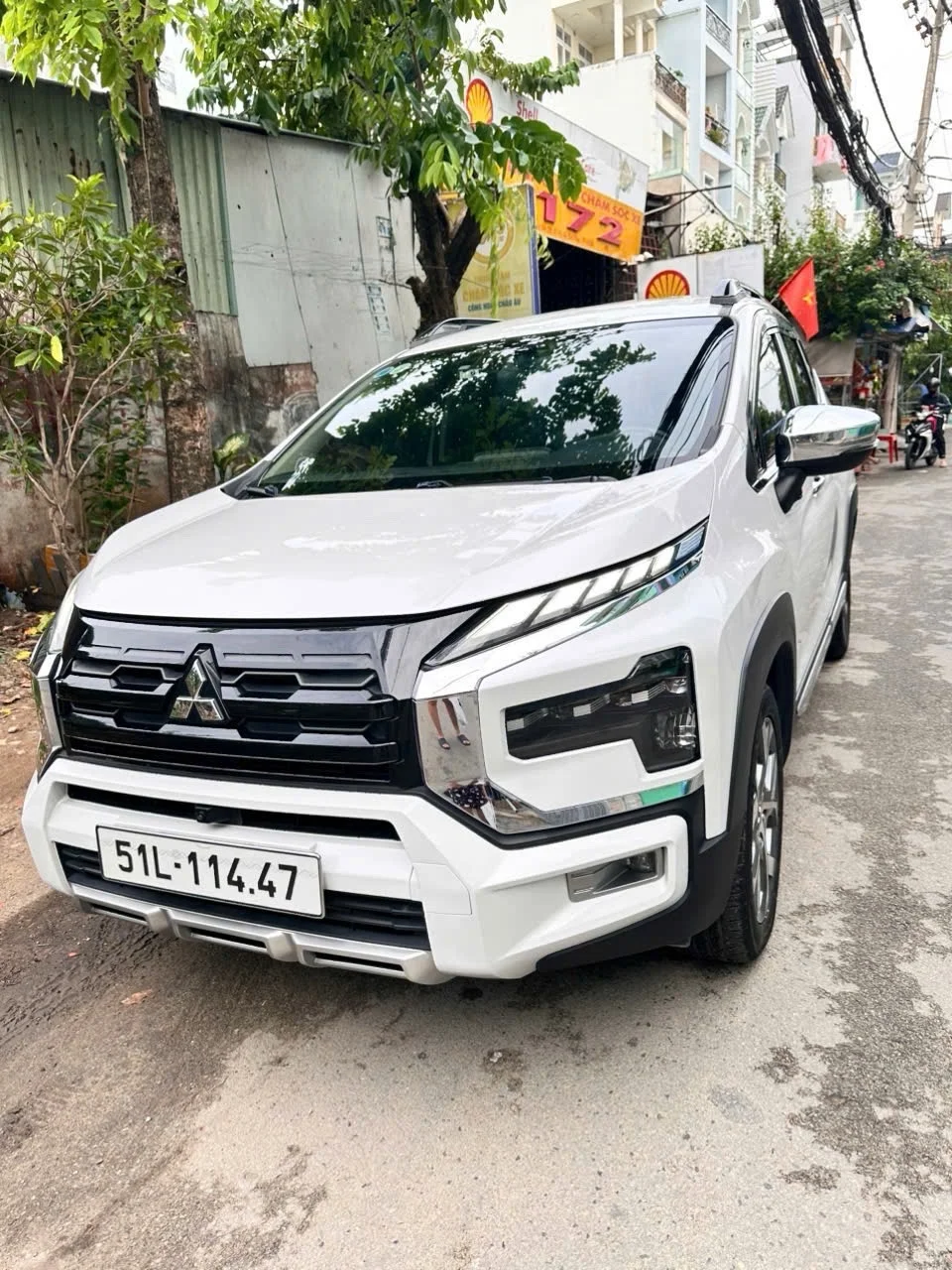
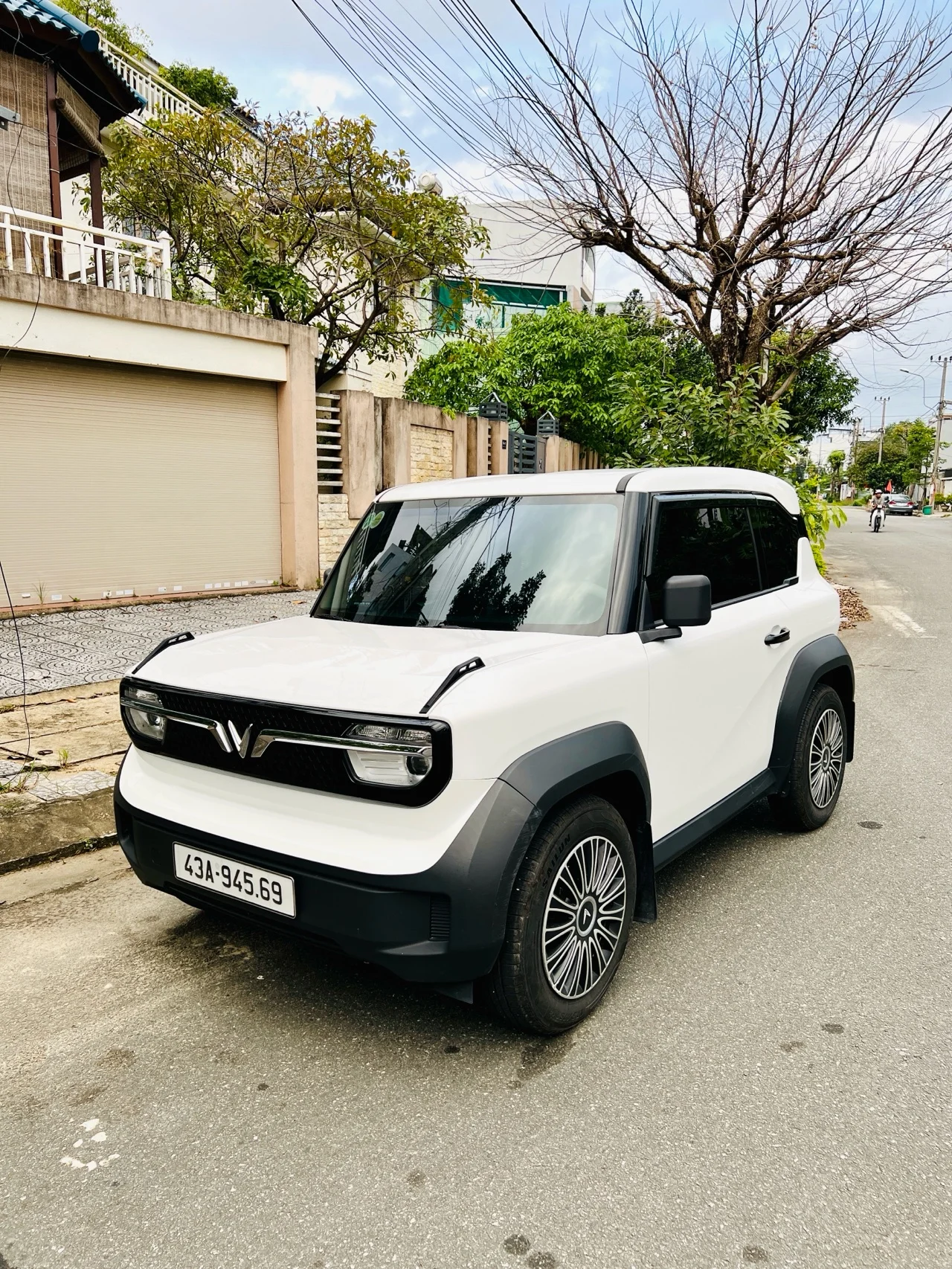
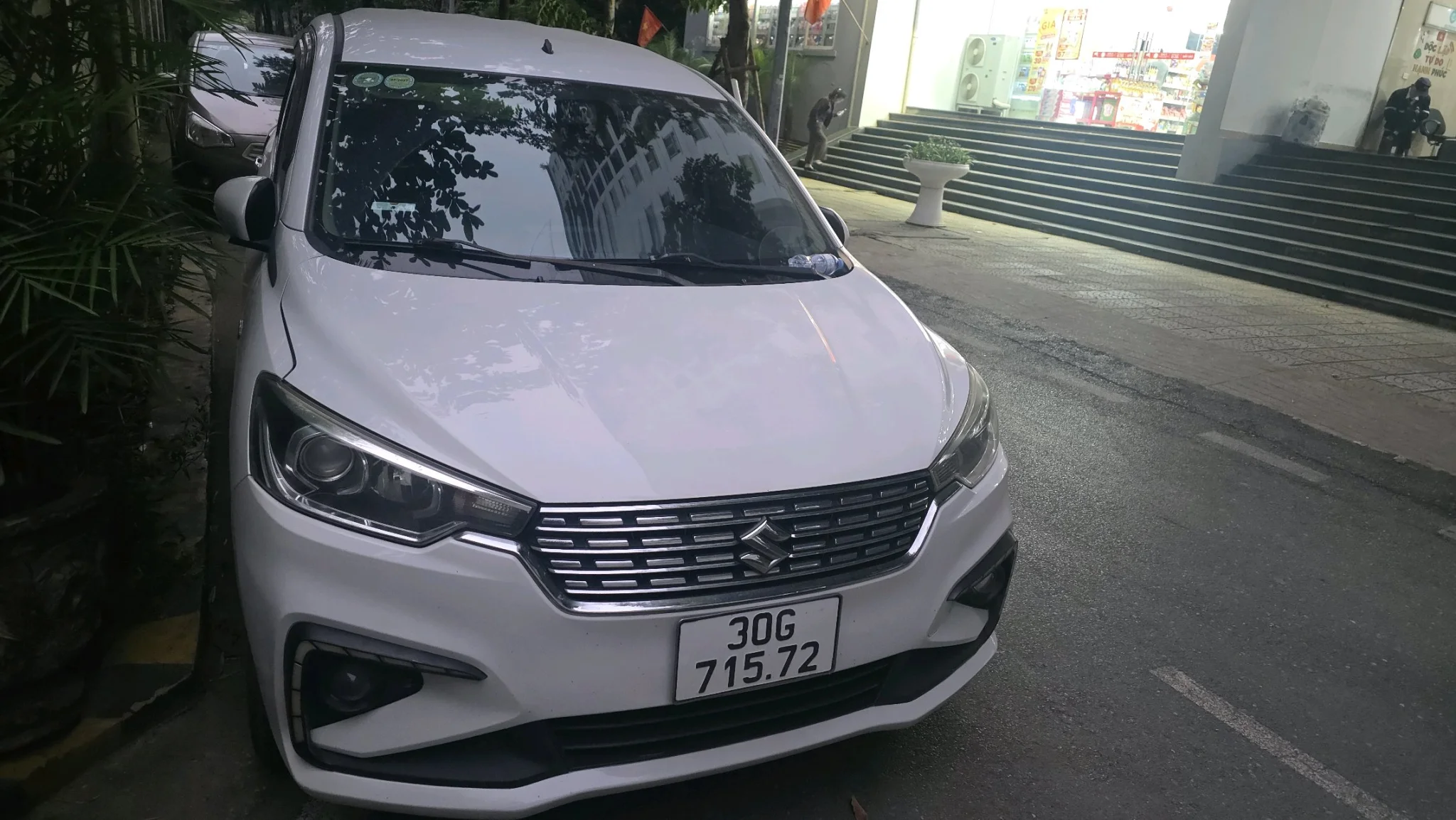
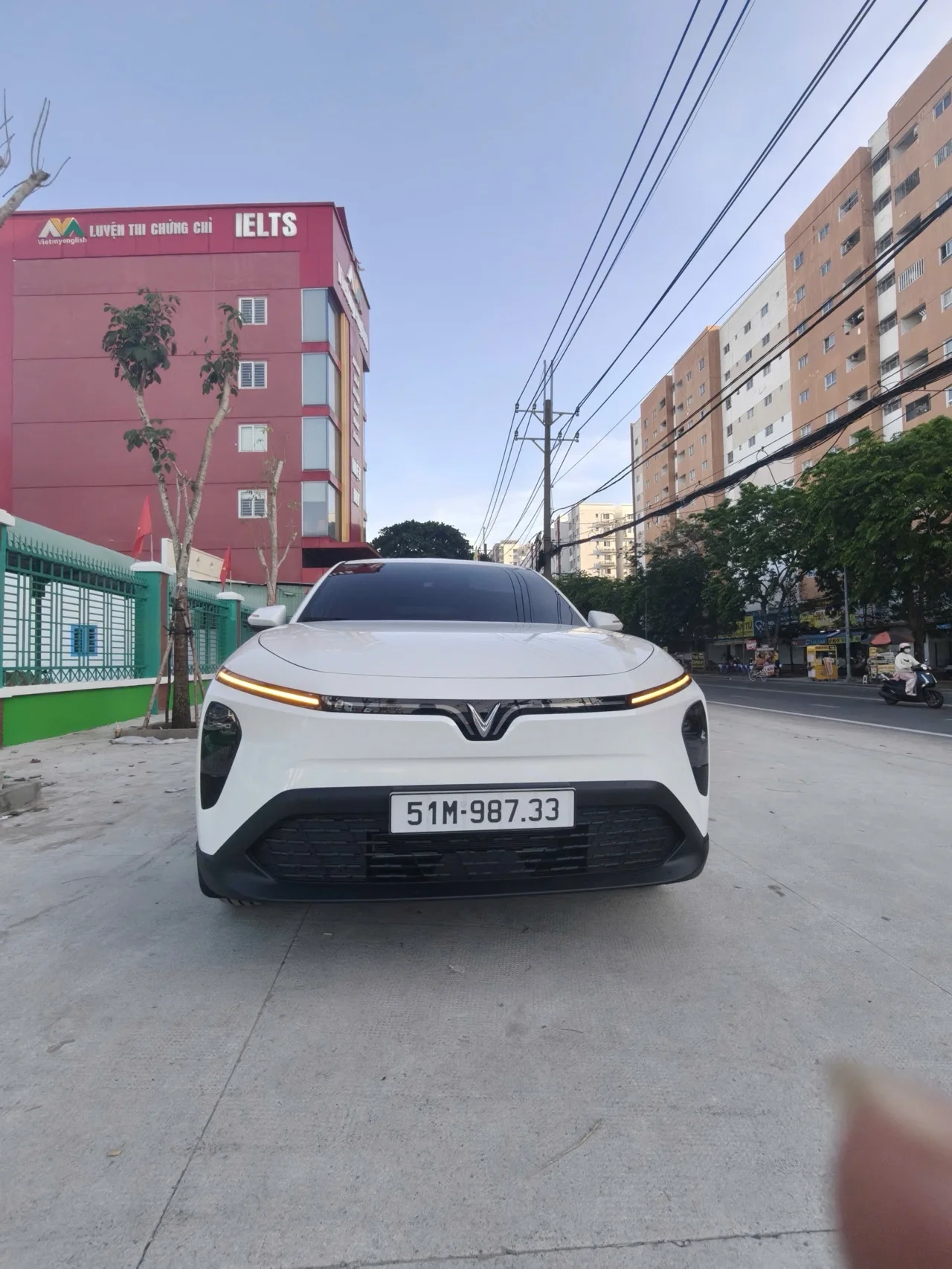
Not every car is well maintained. Before renting, check the car for newness, scratches, tire condition andbrake system. You can request to see the vehicle's maintenance history. If it isrental carThrough the app, find out information from the previous tenant to get an objective view.
1.2. Insurance commitment
Many applicationscar rentalProvides insurance for vehicle and driver. However, it is not always complete. You need to read the rental contract carefully to clearly understand the insurance terms. Make sure the insurance covers collision damage and otherriskothers to avoid major financial risks.
2. Self-driving car rental process via app
When you decide to rent a car through the app, understanding the process will help you feel more secure during the rental and driving process. Here are the steps to take:

2.1. Prepare necessary documents
Before starting to rent a car, prepare all documents such as Driver's License (for class B1 or B2), CCCD with chip or VNeID. Some applications may ask you to provide collateral or a deposit, so make sure you're prepared.
2.2. Book a car and check information
When searching for a car through the app, pay attention to vehicle details, prices, and reviews from previous renters. Comparing options will help you find the car that best suits your needs and budget.
3. Check the vehicle upon delivery
To avoid unnecessary arguments when returning the vehicle, it is very important to thoroughly inspect the vehicle upon handover. Here is the checklist you should follow:
3.1. Record 360-degree videos
Taking video of the entire vehicle from many different angles will help you have clear evidence of the vehicle's condition upon receipt. This will be helpful if there is a dispute about scratches or damage that occurred after you returned the vehicle.
3.2. Look carefully for scratches and damage
Carefully check for scratches, cracks on the glass, tire condition and other vehicle parts. If there are any scratches that you are not the cause of, immediately notify the vehicle delivery staff to record them in the contract.
4. Read the car rental contract carefully
The car rental contract is an important document that you cannot ignore. Here are some things to keep in mind:
4.1. Limited km/day
Many contracts will limit the number of kilometers allowed per day. If you exceed this limit, you will be charged an additional fee. Calculate your itinerary so you don't incur unnecessary costs.
4.2. Overtime vehicle return fee and fuel level regulations
You should also pay attention to the overtime fee and fuel level regulations when returning the car. These are costs that may surprise you if you don't research carefully.
5. Experience driving safely and avoiding fines
Once you have rented a car, it is important that you drive safely and avoid fines. Here are some tips:
5.1. Understand traffic laws
The best way to avoid fines is to understand the traffic laws where you travel. In particular, pay attention to the maximum speed and traffic signs so as not to violate.
5.2. Use driver assistance applications
Applications like Google Maps or Waze not only help you find your way but also warn you about cold penalty points. Use them to drive safer and smarter.

8Car.vn – Easy rental, quality drive! Our online self-drive car rental platform is ready to accompany you anytime, anywhere:
- Streamlined process: 100% online booking, fast document approval, and flexible deposit policies with no asset collateral worries.
- Diverse fleet: Hundreds of late-model 4–7 seater EVs & gasoline cars, regularly inspected and thoroughly cleaned.
- Complete peace of mind: Transparent pricing with no hidden fees, integrated trip insurance, and 24/7 technical support.
Explore & book now to enjoy special offers and take full control of your journey!


Recent posts
-
 Where do car rental customers in Hanoi usually go on weekends? 25/11/2026
-
 Car owners in Hanoi should prepare what to welcome customers renting a car to Ninh Binh? 25/11/2026
-
 How to know what costs are included in the car rental price? 25/11/2026
-
 Schedule vehicle operations seasonally instead of leaving vehicles waiting for customers. 25/11/2026
-
 Additional fees to clarify before booking a rental car. 25/11/2026
-
 Car owners renting out cars online should standardize their contracts starting from where? 25/11/2026
-
 Does renting a car for a long distance incur additional fees? 25/11/2026
-
 Cost of traveling to Ha Long by self-driving: Budget calculation from A-Z 25/11/2026
-
 Exploiting vehicles during the low season: What should vehicle owners change? 24/11/2026
-
 How to prepare your vehicle before the travel season to Hanoi – Ninh Binh – Ha Long 24/11/2026